Build a Claude workflow that fits the way you work – from context files to Skills stack to connected toolkit.
What is the Claude setup planner?
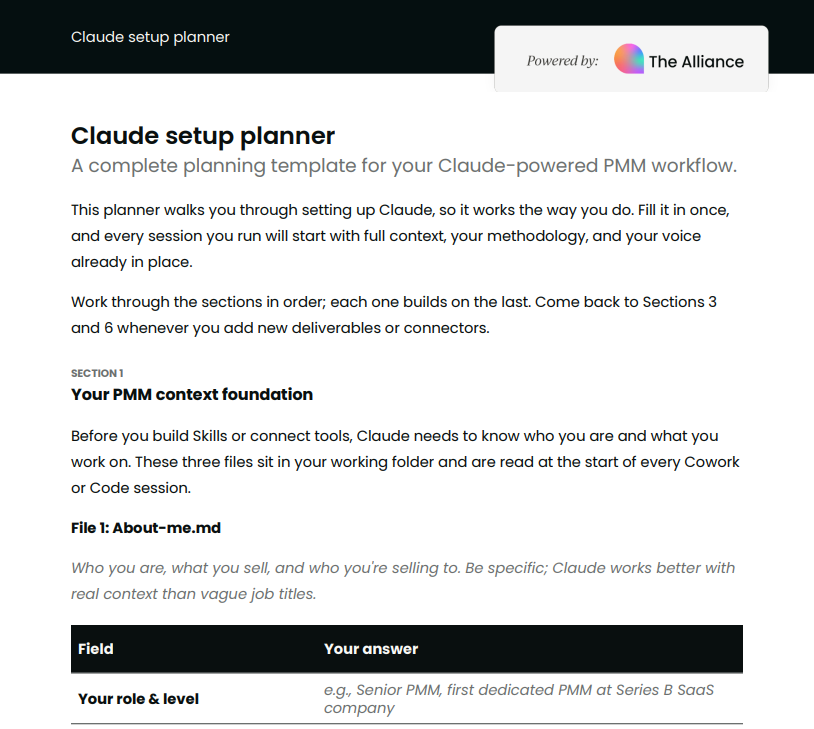
It’s a structured planning template for setting up Claude, so it works for your specific product, market, and workflow. The goal is to get it past general-purpose and into something that actually knows your positioning, your voice, and the deliverables you produce every week.
Rather than starting every session from scratch, you’ll build a foundation once: three context files that tell Claude who you are, how your brand sounds, and how you want it to behave. From there, the template helps you plan your skill stack, choose the right connectors, and know which Claude surface to reach for on any given task.
Who is it for?
This template is for product marketers who want a repeatable AI workflow, not just the occasional prompt. Whether you’re setting up Claude for the first time or you’ve been using it casually and want to get more out of it, this planner gives you the structure to do it properly.
It works best if you’re in Cowork or Claude.ai Projects, but the thinking it asks you to do – your ICP, your voice, your methodology – is useful regardless of which surface you end up working from.
How to use the template
Work through the sections in order. Each one builds on the last, so it’s worth going front to back the first time rather than jumping around.
A few things worth knowing before you start:
The three context files you’ll draft in Section 1 (about-me.md, voice-and-style.md, and working-rules.md) live in your Cowork working folder on your desktop. Claude reads them automatically at the start of every session – no uploading needed. If you’re using Claude.ai Projects instead, you’ll upload them directly into your project as reference files. Either way, you write them once, and they apply to everything after that.
Once you’ve completed the setup, come back to Section 3 whenever you add new deliverables, and Section 6 whenever you want to sharpen your prompts. The rest of the template stays useful as a reference, especially the surface decision guide in Section 5 if you’re ever unsure where to start a task.