Introduction:
Hello, developers! Today, I want to share my experience building BlackJack Uno, a simple and fun card game. This project helped me learn more about JavaScript, HTML, and CSS. I will explain how I made the game and what I learned.
Why BlackJack Uno?
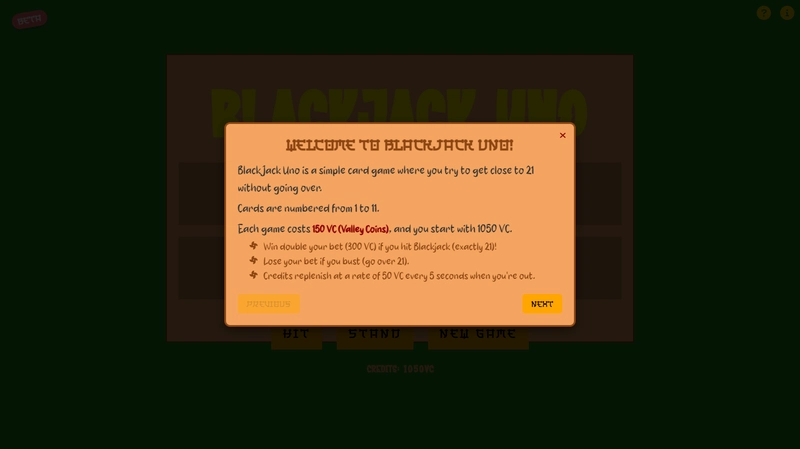
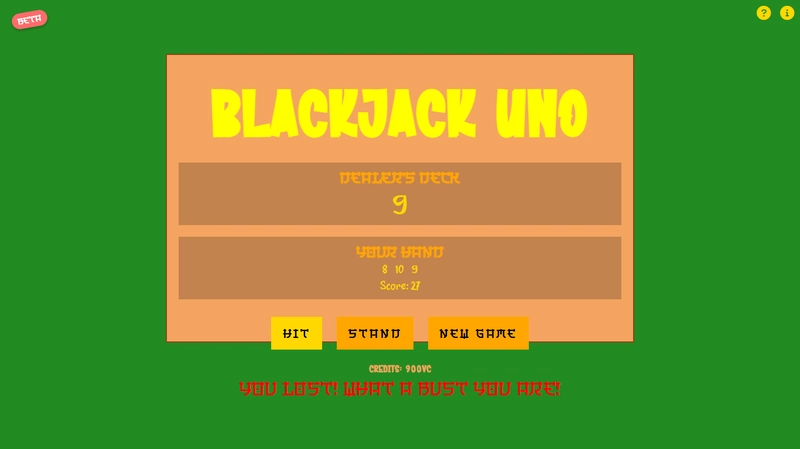
I wanted to create a game that is easy to understand but also fun to play. BlackJack Uno is like the classic Blackjack game, but simpler. The goal is to get close to 21 without going over. You start with some Valley Coins (VC) and earn more by winning games.
How I Built It:
- Game Logic: I started by planning the game logic. I needed to know when to deal cards, when to check for wins or losses, and how to keep score.
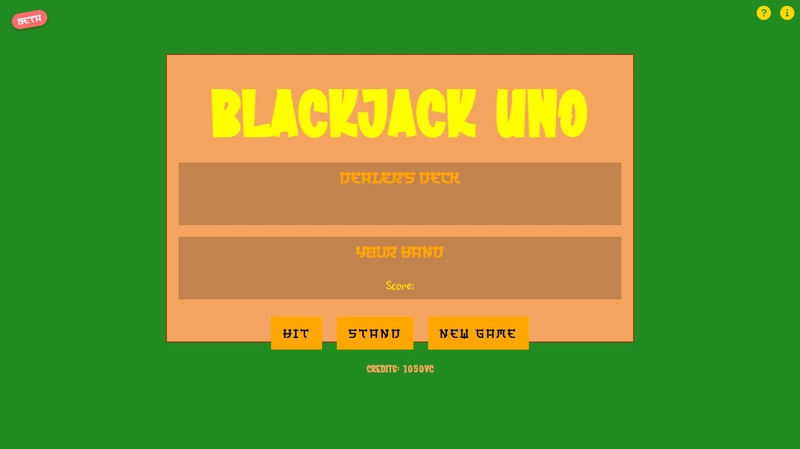
- HTML Structure: I created the structure of the game using HTML. This included buttons for “Hit,” “Stand,” and “New Game,” as well as areas to display the cards and scores.
- CSS Styling: I used CSS to make the game look nice. I added styles for the buttons, cards, and other elements to make them easy to see and use.
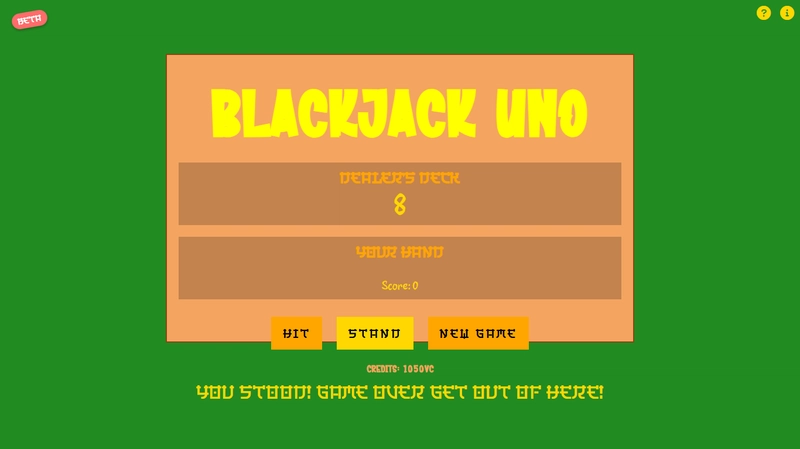
- JavaScript Functionality: JavaScript was the key to making the game work. I wrote functions to handle card dealing, scoring, and updating the display. I also added sound effects to make the game more engaging.
Challenges Faced:
- Credits Replenishment: Making the credits replenish automatically when the player was out was tricky. I had to ensure it worked smoothly without affecting gameplay.
- Insufficient Credits: I needed to prevent players from starting a new game if they didn’t have enough credits. This required checking the credits before allowing a new game to start.
- Layout Design: Finding the right layout for the game was challenging. I had to make sure everything fit well on the screen and was easy to use.
- Color Coordination: Choosing the best colors for the game was important to make it visually appealing. I experimented with different color schemes to find the right look.
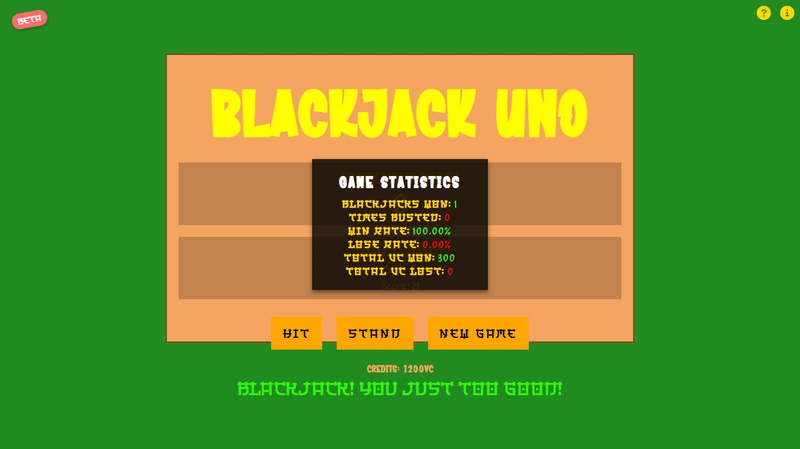
- Winning Calculation: Ensuring that players received their winnings correctly, especially when they used their last 150 VC and got a Blackjack, was crucial.
What I Learned:
Building BlackJack Uno helped me improve my JavaScript skills, especially in managing game states and handling user interactions. I also learned more about CSS and how to make a responsive design.
Conclusion:
Creating BlackJack Uno was a great learning experience. It was fun to see my code come to life in a playable game. If you’re learning JavaScript, I recommend trying to build a simple game like this. It’s a great way to practice your skills!
External Links:
Play BlackJack Uno: Click here
Source code: Github
Github profile: beanboi64
Instagram profile: krissattack0
Images of BlackJack Uno