You’ve got responsibility for a project. And yet; somehow the organization doesn’t have the project documentation you need to get it started, keep it on track and close it down successfully.
So you turn to the internet to find the paperwork you need.
Let me make it easier for you. I have researched the best places to get free project management templates for download online. And listed them all out for you below.
These are all good, reliable sources of quality documentation for projects.
But before we get to the template websites, let’s have a quick recap about how to use the stuff you download.
How to use free project management templates
You can find free project management templates to download all over the internet. You’ll find Excel and Word versions in the main, with some compatible with
However, the quality of free templates varies greatly. Some are massively detailed and some are at a very high level. My first tip is that you’ll have to look around to find one for what you need and that fits your project management environment.
Here are some more tips for using free templates.
Change the headers and footers
Remember to change headers and footers in the document to reflect your own project name and organization’s details.
Add your logo
Change the logo on the template to that of your own organization. Or choose not to have a logo at all.
Update the fonts
Change fonts to your corporate font – that’s a big giveaway when sharing documents internally!
You can either change the font in the document styles or just select all the text (Ctrl+A on PC) and then update to the font of your choice.
Only download templates from websites where you are confident in the source – don’t take any risks downloading files from sites that look and feel dodgy, to minimize the risk of accidentally downloading a virus.
Edit!
Edit, edit, edit! Change the template to suit your needs. What you download might not be perfectly appropriate for your organization.
Feel free to change the documents so that they are actually useful. Add sections, take sections away. A free template is a starting point, not a tablet written in stone.
Keep the original
Save a blank version of the template, then save another version with a file name related to your project. Keep the blank version blank, and fill in the copy.
That makes it easier when you want to use the template again (especially if you deleted huge chunks of it as the contents wasn’t particularly relevant to your first project: but doh! You need all those deleted sections for your next project).
I’ve done the searching for you and found legitimate and helpful sources of project management templates online that are free to download. Let’s go!
1. RebelsGuideToPM.com free templates
It would be wrong of me not to include my own resources on this list! Plus the templates I have for you are awesome.
There are plenty of free templates available on this site. I’ve collated them all into one resource library. Access them here and I’ll message you back a link where you can download the templates.
The most downloaded resource is the Career Planner.
Inside the resource library you can also find:
- A multi-project report template on a page
- A project initiation checklist
- A project organization chart
And a bunch of other useful things to save you starting from scratch.
Enter your email address below to gain access, and check your inbox for your login details!
2. ProjectManagement.com
When I don’t have a template or guide I can direct people to, the next place I send them is ProjectMangement.com.
This site has a library of free templates. You’ll need to sign up to access the resources, but that’s free and there are also active discussion forums. If you are a PMI member, you’ll get access to the resources marked Premium as well, so that’s an added bonus.
The listings can be a little hard to navigate to find exactly what you want, so use the search box on the site to help narrow down what you are looking for. I also think that the templates are sometimes over-engineered for smaller projects, so you may have to simplify them .
If you are looking for information on project budgeting, check out my blog over at ProjectManagement.com, The Money Files.
3. PM2 Resources (Europa EU)
Whether you use the PM2 methodology (which is free, and downloadable for everyone, by the way), there are many document templates that are perfect for all kinds of projects. Predominantly for waterfall projects, although PM2 does have an Agile Guide.
You can also get canvases for project initiation and end as well as program management artefacts. Download from the Europa website.
4. P3 Express
There are a few templates available on the P3.express website. As you’d expect, these align with the P3.express methodology. They include the project description, health register and follow up register.
4. UK Government
The Government Project Delivery pages of the .gov.uk website are really good. While there aren’t many direct templates you can lift for your own work (unless you are employed in the government’s professional job family, in which case, log in and use what you need), there are some resources that are useful.
The Teal Book covers project management good practice, and you can deduce what would need to be in a template from that. Otherwise, check out the Project Library and browse. For example, they have a benchmarking capability tool in Excel that might be useful to review.
5. ProjectManager.com
ProjectManager.com is a software tool, but they have a massive set of resources that work without their software, like a product roadmap and timelines.
Whether you are looking for a To Do list template or a project proposal document, these Excel and Word templates will save you from starting from scratch.
6. GanttPRO templates for schedules
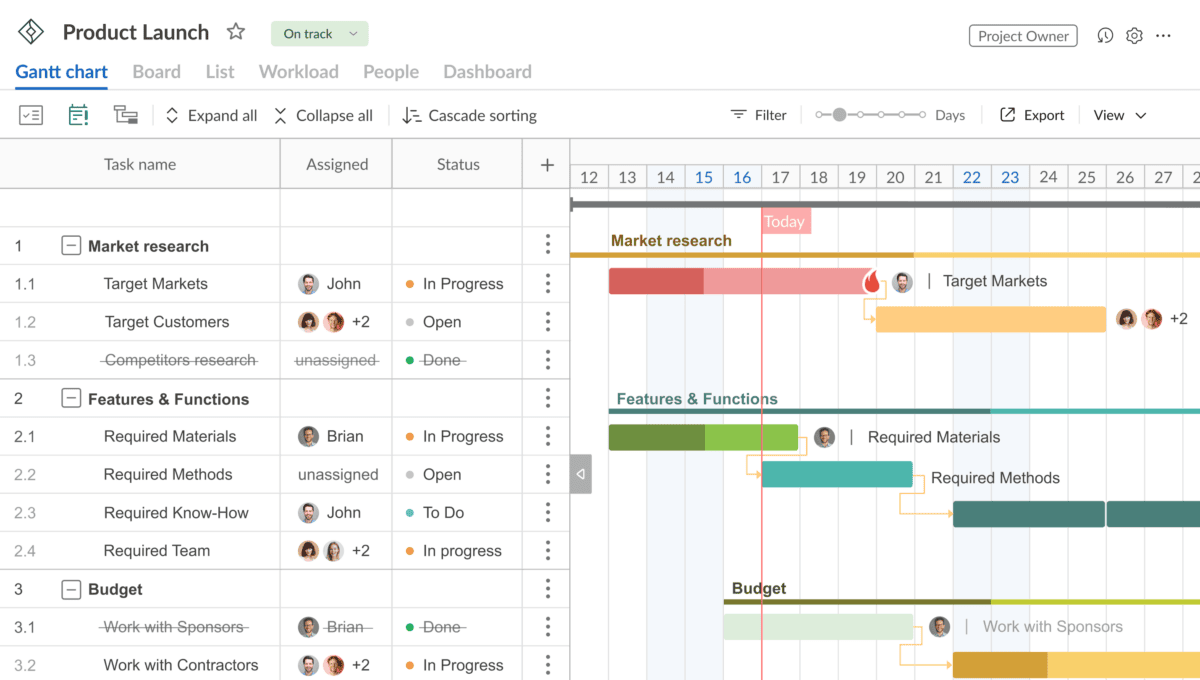
If you are looking for a starting point for a Gantt chart, GanttPRO has a bunch of Gantt chart templates that work with Excel, Google Sheets and GanttPRO. They cover use cases like product launches, event planning, maintenance schedule, marketing, retail, creating a course/education program, and more.
You don’t have to register to see the template, but if you choose a GanttPRO template, once you’ve started customizing it, you’ll need to create an account if you want to keep it.
If you don’t want to use GanttPRO, or can’t for some reason, the template Gantt charts will still give you a good idea of the tasks, phases and milestones for you to include in your own planning.
7. NISTA
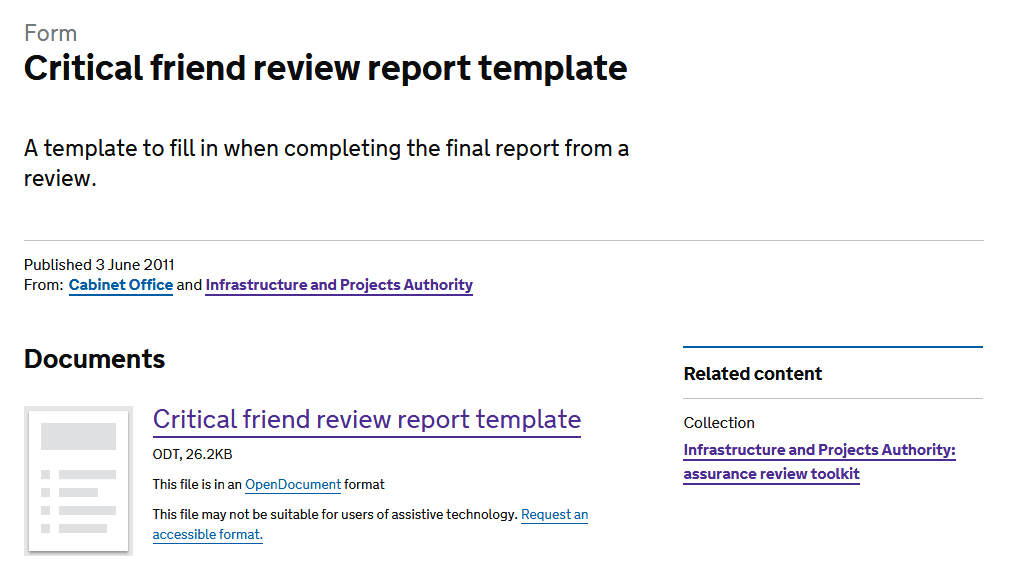
National Infrastructure and Service Transformation Authority (NISTA) arranges and manages project assurance reviews for the UK governments’ complex and high-risk projects.
They have a suite of guidance available on assurance and internal review, including some templates. My favorite is the “critical friend” template, which is most relevant for the kind of work most of us do – given that there aren’t that many project managers in the world running complex government transformation projects with budgets that run into the billions, and accountability to taxpayers.
8. Project Bliss
Leigh Espy’s blog, ProjectBliss.net, has a range of downloadable, practical project management templates, with no software bias attached.
Her scope statement template is particularly useful – scope creep is one of the project management bug bears, so start out the way you intend to continue and squash it from the beginning!
9. Program Management Templates from MIT
Do a search for “.edu project management template” and you’ll find quite a lot of universities have a PMO that makes templates available for general use.
They are obviously aimed at projects run within the university environment, but you could just as easily adapt them for other industries. Project management is nothing if not transferable.
MIT has a particularly good selection which is accessible on their project management toolkit page.
10. Project Methodology Templates from University College London
The same approach works for .ac.uk sites, which can also help you find a bunch of templates suitable for managing projects in any industry. As with many of the sources mentioned in this article (including my own templates) you’ll have to take off the original logo and replace that with your own (or nothing).
The UCL Estates team has put together a set of project support templates aimed at supporting capital development projects. You would be able to repurpose these for your own projects.
They are mainly Microsoft Office documents and are mainly related to project control documentation and governance.
With the huge range of project templates available for free online, you may be able to find everything you need. However if you are looking for more detailed documentation, or curated template bundles, check out my online store.
My paid-for templates come with detailed notes to explain what to put in what section and some have examples. All are great value for money and everything you need to save time and get started managing projects in a reliable, repeatable and efficient way.

Using AI to create project document templates
Another option is to generate your own templates by using generative AI. If you put a good prompt into ChatGPT, Copilot, Gemini or Claude (or whatever LLM you use), then you can get a reasonable template out, often in .docx, .pptx, .xlsx or whatever format you specify. You can connect Claude to Google Drive and it can create the document for you, and store it there — this is a huge timesaver!
My experience with creating templates with an AI chatbot has been surprisingly good. They have often been more detailed than necessary, so you can ask to simplify them or remove the headings and sections you do not need. You can ask it to create a version that is filled in as well, so you get an idea of what to put in each section of your project plan, for example.
I also found the documents ChatGPT created for me looked pretty ugly – I would spend some time on formatting and aligning the files to your corporate branding.
Remember, the content of the document is up to you. You’ll want to work with the team, align stakeholders, create a shared understanding of the project and discuss ways of working — all things project documents (and especially project plans) are designed to do. So don’t try to get AI to complete your documentation for you, it won’t know your project or your teams as well as you do.
Ask your tool of choice to create a project charter template, a risk assessment or a dashboard template and see what it comes up with!
Note: These sources were reliable and correct as at August 2023. It’s your responsibility to make sure you are downloading templates that are suitable for use in your project environment, and it’s your responsibility to make sure you are following any restrictions on using free templates.
This article first appeared on Rebel’s Guide to Project Management and can be read here: 10 Places to get free project management templates