
Most teams know roughly how their time is spent. The problem is “roughly.” When a project runs over budget, or a client disputes a bill, or a manager tries to figure out why a team is always at capacity, rough estimates do not hold up. Accurate time tracking turns a vague sense of where the hours go into a record you can actually use to make decisions, bill correctly and plan better next time.
A time tracking template gives you a consistent structure for capturing hours before they disappear into memory. Whether you are logging daily tasks, blocking out the week ahead or building an invoice from hours worked, a template keeps the format the same every time so the data is comparable and easy to review. It also makes the habit easier to maintain: a blank structure that takes two minutes to fill out gets used. A blank spreadsheet does not.
We put together six free time tracking templates covering everything from basic timesheets to invoicing tools that turn logged hours into client bills. Each one is free to download and ready to adapt for your team or your own workflow.
1. Timesheet Template for Excel
A timesheet is the foundation of any time tracking system. It records who worked, what they worked on and for how long over a given period. Without it, billing is based on recollection and project cost tracking is guesswork. With it, you have an accurate record that supports payroll, client billing and resource planning.
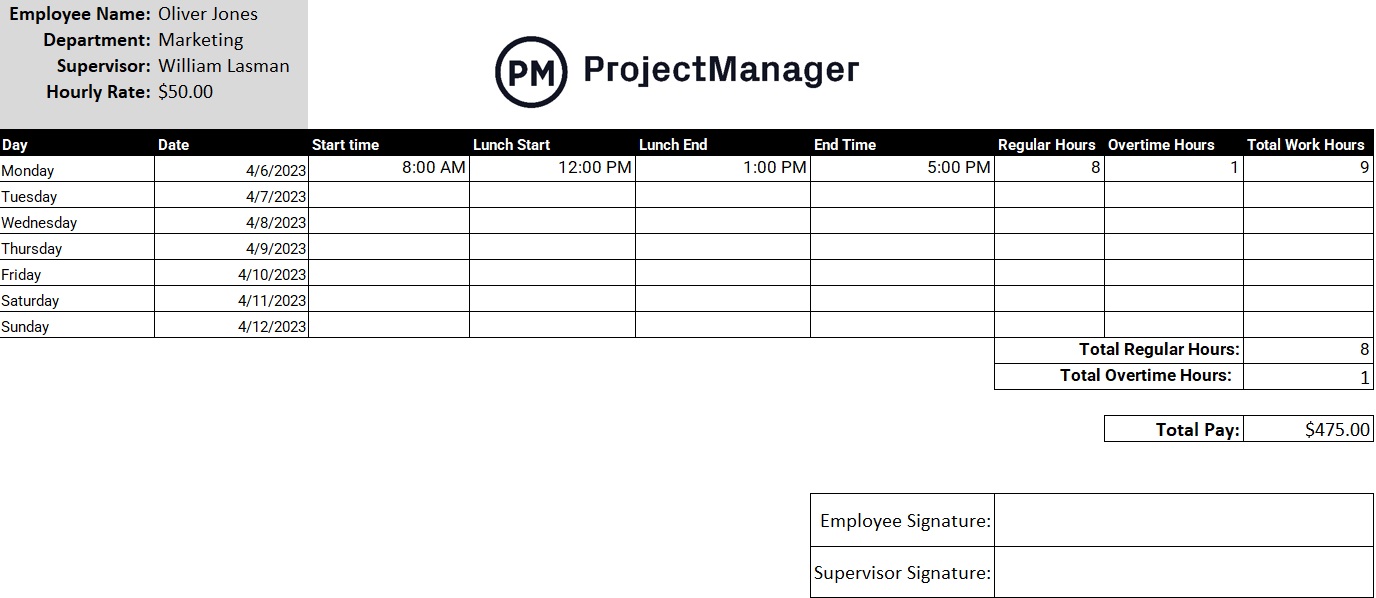
This Excel timesheet template breaks hours down by day and task, with columns for the project name, task description and hours logged each day of the week. Totals calculate automatically so you get an accurate weekly summary without any manual math. It covers the standard format that payroll and billing processes expect, so the data is ready to use as soon as it is filled in.
The right starting point for any team or individual that needs to start tracking time consistently, or anyone who has been using a timesheet that takes too long to fill out each week.
2. Time Blocking Template for Excel
Time blocking is the practice of scheduling specific work into dedicated time slots rather than working from an open-ended task list. The difference is significant: a task list tells you what to do, but not when you will do it, which makes it easy to defer the hard work in favor of whatever feels most urgent. A time block commits you to a specific window for a specific type of work.
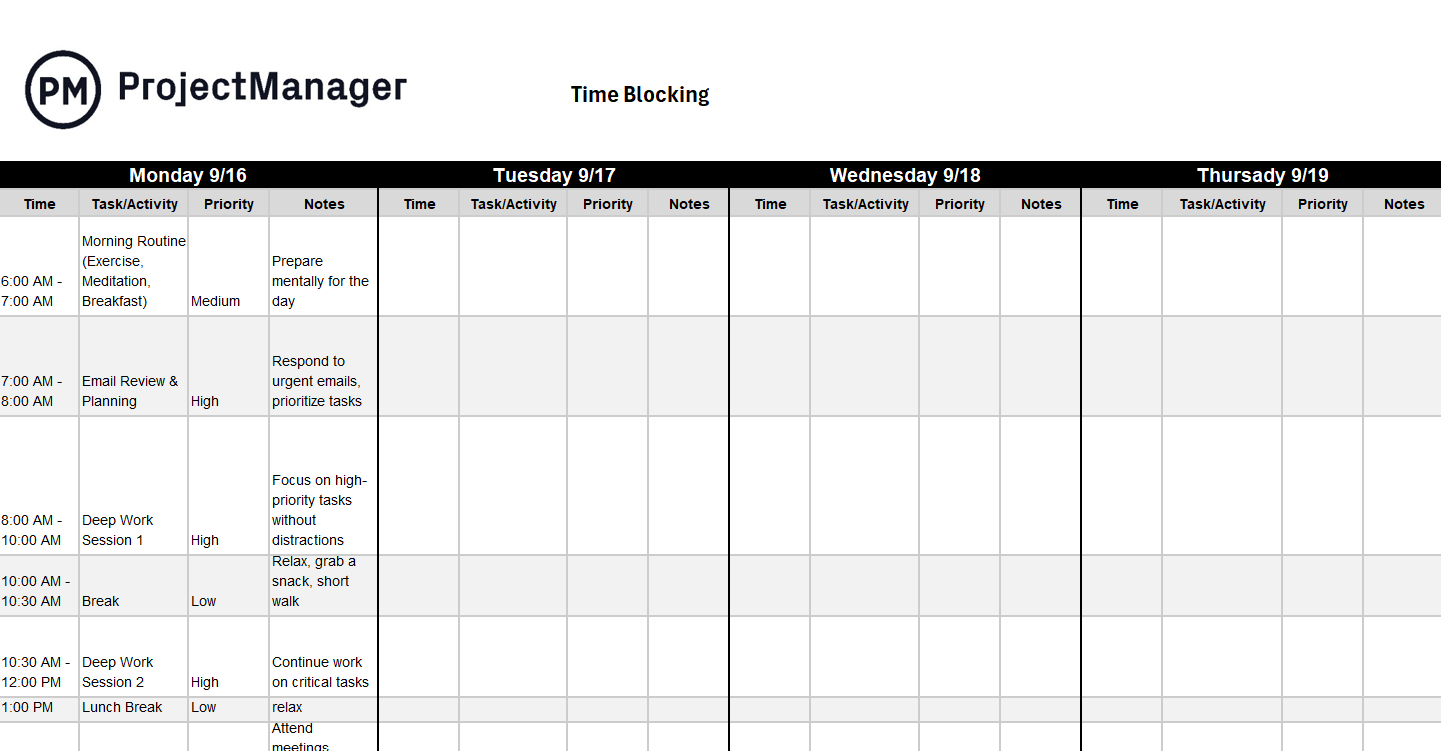
This Excel template gives you a weekly grid of time blocks across each day, with rows for different types of work: focused tasks, meetings, administrative work and breaks. You fill in the blocks in advance, which forces you to see how much time is actually available versus how much work you are planning to do. Gaps between reality and the plan show up immediately.
Particularly useful for anyone who finds the day constantly hijacked by reactive work, or for managers who want to protect time for strategic thinking without letting the calendar fill up with meetings by default.
Track Your Team’s Time Automatically With ProjectManager
A timesheet template works. ProjectManager works better. Team members log hours directly on their tasks, and managers see real-time labor costs without chasing anyone for a filled-in spreadsheet. Timesheets submit with one click and can be locked once approved. Try it free for 30 days.

3. Work Log Template for Excel
A work log is a running record of what was done, when it was done and how long it took. Where a timesheet is typically submitted weekly and attached to payroll or billing cycles, a work log is updated continuously and serves as a reference for anyone who needs to know what happened on a project and when. It is particularly useful when scope questions come up or when a project needs to be handed off mid-stream.
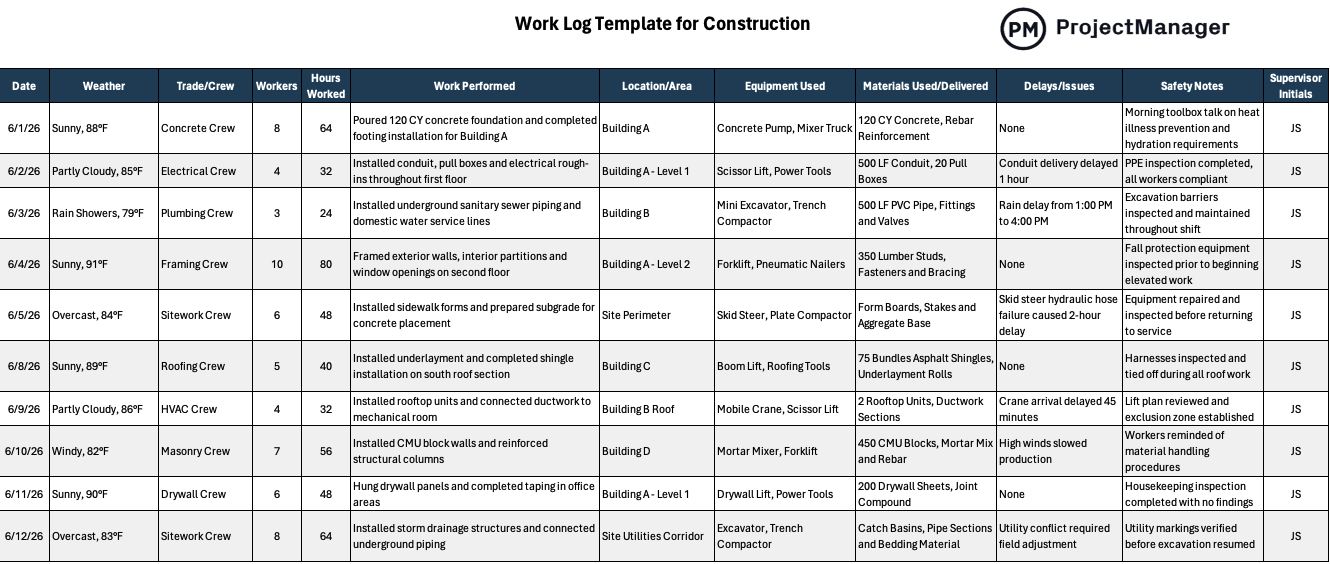
This Excel template records tasks in chronological order with columns for date, team member, task description, hours spent and status. It is simple enough to update daily in a few minutes and detailed enough to give any stakeholder a clear picture of how the project’s time has been spent to date.
Useful for project managers who need a running audit trail, consultants who log deliverables by client or any team where accountability over how time is spent matters as much as the outcome itself.
4. Weekly Billing Format for Word
A weekly billing format structures the hours worked during a week into a format ready to send to a client. It bridges the gap between internal time tracking and external invoicing: you have the hours in your timesheet, and you need to present them in a way a client can review, approve and pay. A consistent format also makes your billing look professional rather than improvised.
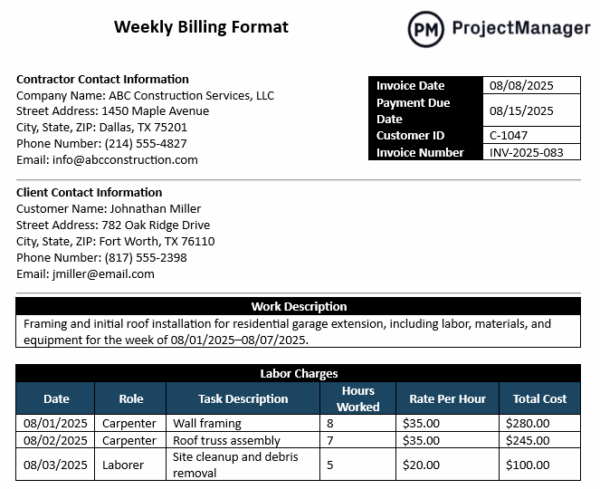
This Word template lays out the week’s billable hours by service or task, with columns for description, rate, hours and total. It is formatted as a client-facing document rather than an internal spreadsheet, so you can fill in the hours from your timesheet and send it directly without reformatting anything.
Best for freelancers, consultants and agencies that bill on a weekly retainer or track billable hours against a client budget and need a clean, consistent document to send alongside or in place of a formal invoice.
5. Freelance Invoice Template for Excel
Once the hours are tracked, the next step is getting paid for them. A freelance invoice takes the hours logged during a project or billing period and turns them into a formal payment request. Without a consistent invoice format, you risk looking unprofessional, leaving out information that delays payment or recreating the same document from scratch every time you bill a client.
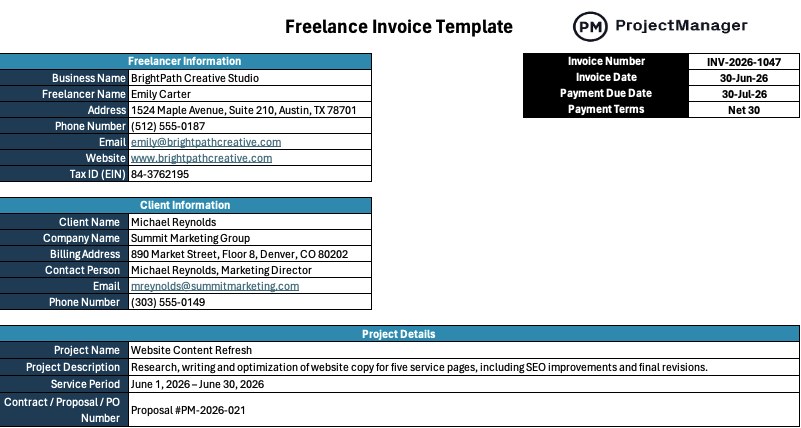
This Excel invoice template includes all the standard fields a client expects: your business details, the client’s information, an itemized list of services with hours and rates, a subtotal, tax fields and a total due. It is clean enough to send to a corporate client and simple enough to complete in five minutes once the work is done.
The right tool for any freelancer or independent contractor who bills by the hour and wants a professional invoice they can fill out quickly and send without building one from scratch each time.
6. Service Invoice Template for Word
A service invoice documents the work delivered to a client and the amount owed for it. For service businesses where the product is time and expertise rather than a physical item, the invoice is the only formal record of what was delivered. A clear, professional invoice reduces back-and-forth with clients and gets you paid faster than a vague one does.
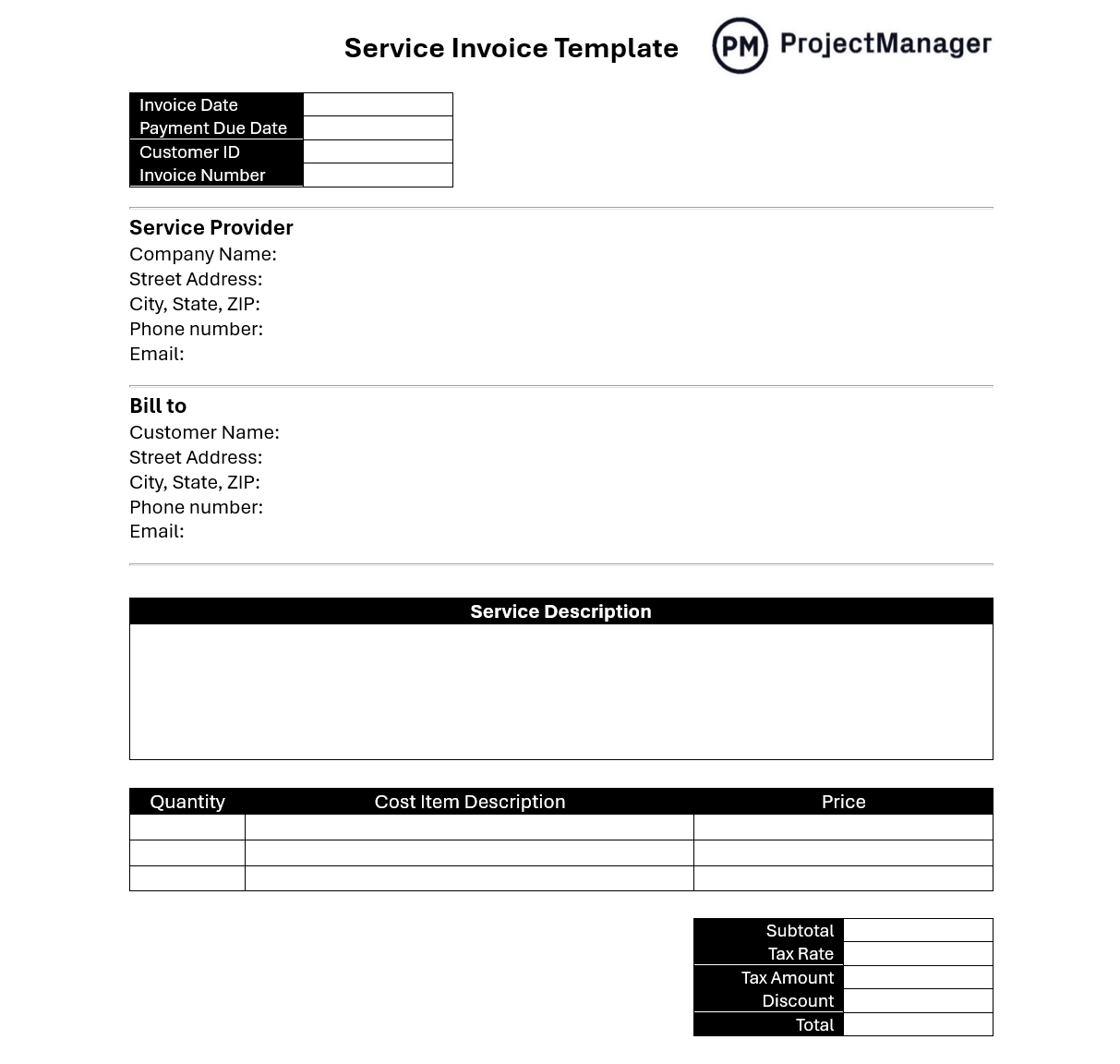
This Word invoice template covers the standard structure for a service business: invoice number, date, client details, a line-item breakdown of services rendered, payment terms and total due. It is formatted in Word so you can customize the language and branding without adjusting a spreadsheet formula.
Works for any service provider: marketing agencies, IT consultants, coaches, accountants or anyone billing a client for work performed during a defined period.
Track Time and Bill Clients With ProjectManager
Templates get the hours on paper. The limitation is that every update is manual: someone fills out the sheet, submits it, and a manager reconciles it against the project plan. ProjectManager connects time tracking directly to the work so hours log automatically as tasks are completed, labor costs update in real time and the data you need for billing or reporting is always current.
For teams that bill clients or track project costs against a budget, that connection between hours worked and project data is the difference between time tracking that informs decisions and time tracking that just creates paperwork.
Submit and Approve Timesheets in One Click
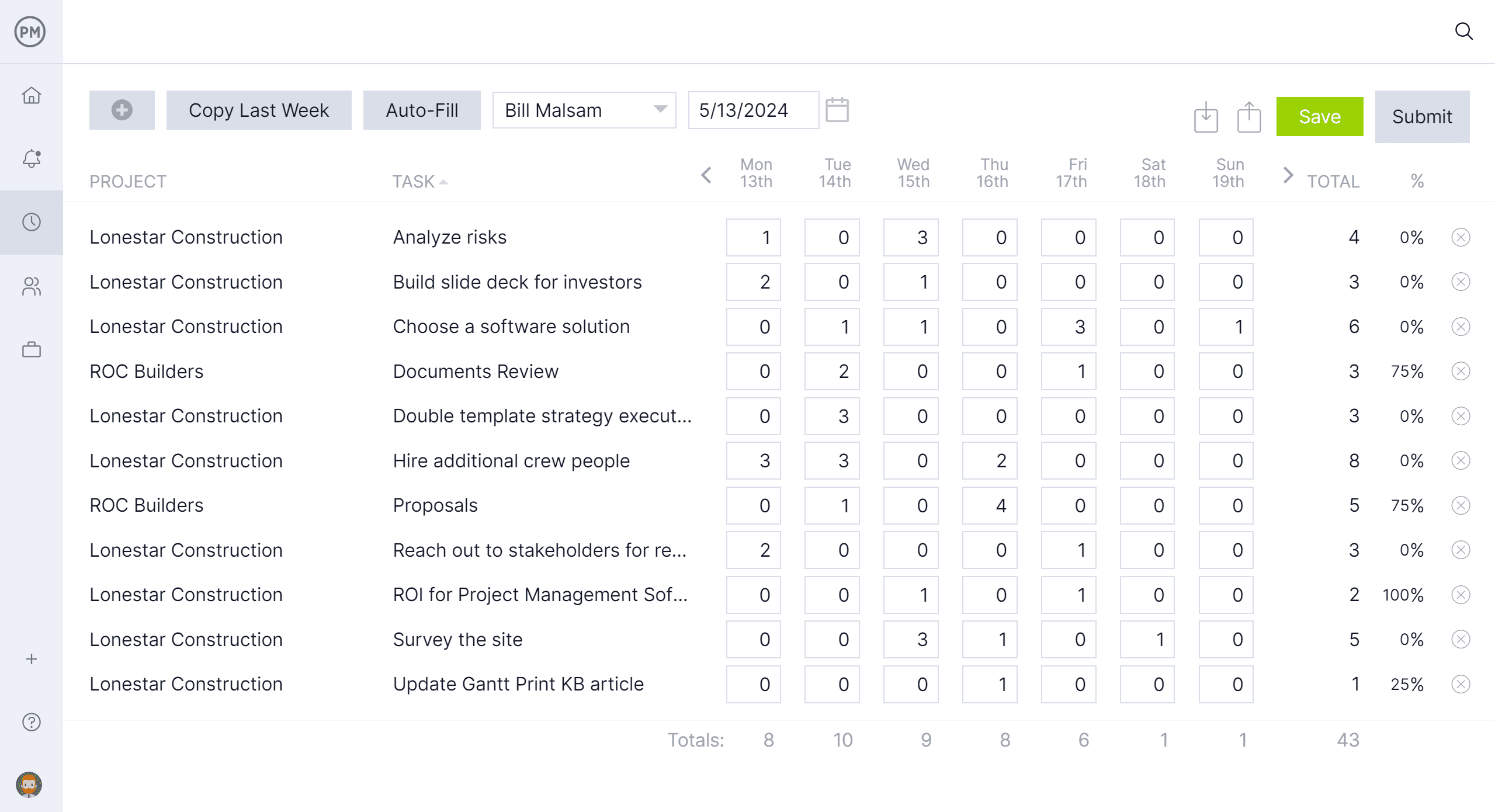
ProjectManager’s online timesheets let team members log hours directly on their tasks without filling out a separate document. Hours populate automatically from task assignments, so there is less for each person to fill in and less chance of data getting lost between the task and the sheet. Managers can review, comment on and lock timesheets once approved, giving you an accurate labor cost record for every project period without the back-and-forth of chasing spreadsheet submissions.
See Labor Costs Against Your Budget in Real Time
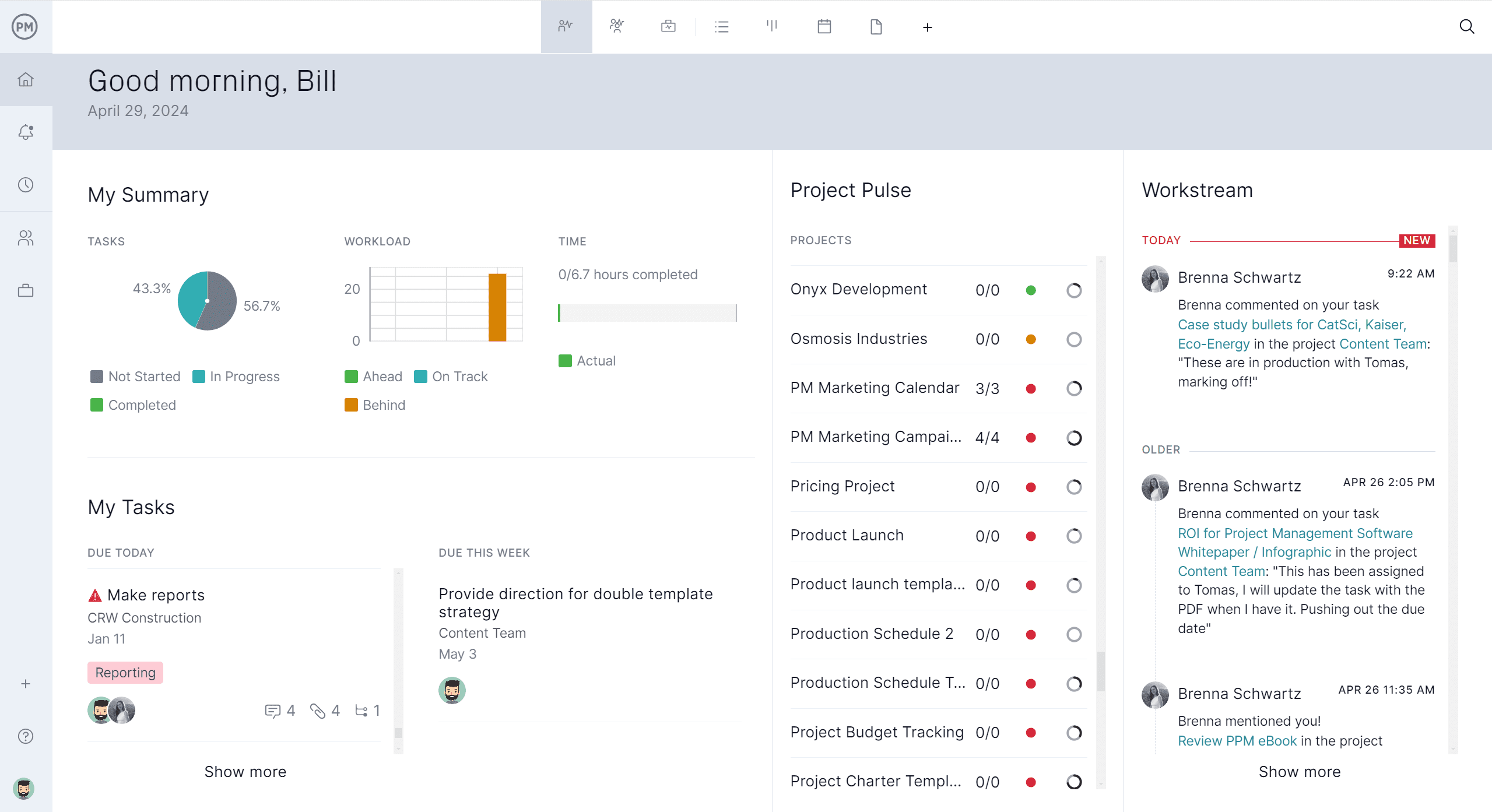
Knowing how many hours were worked is only useful if you can see what those hours cost relative to what was planned. ProjectManager’s dashboard pulls live timesheet data into project-level budget tracking, so you can see planned versus actual labor costs at any point during the project. When a team is running over on hours, you see it in time to act, not after the invoice is already sent.
Related Content
- 8 Free Work Schedule Templates for Excel
- 25 Free Project Management Templates for Excel
- 10 Free Status Report Templates for Word and Excel
- 7 Free Project Diagram Templates for Excel and Word
- 10 Free Small Business Plan Templates for Excel and Word
The post 6 Free Time Tracking Templates for Excel appeared first on ProjectManager.


