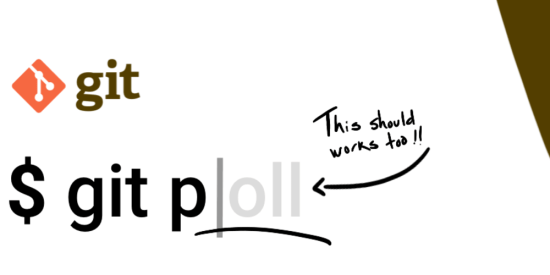
Git comes with a lot of configurations to improve your experience with the command-line. We already talked about how to color moved blocks of code, but I recently found an awesome configuration called autocorrect. 🤩
This feature allows Git to detect typos in your input and display similar valid commands. Git can also suggest the correct one or even run the suggestion automatically. Let’s see!
The default value
By default Git displays suggested commands if we had a typo in our command:
$ git pll
git: 'pll' is not a git command. See 'git --help'.

The most similar command is
      pull
But we can get more than just a suggestion… 👀
Check before running the suggestion
If you configure autoCorrect with prompt Git will ask for a confirmation to run the suggested command.
git config –global help.autocorrect prompt
WARNING: You called a Git command named 'pll', which does not exist.
Run 'pull' instead [y/N]?
Running the suggestion without manual intervention
If you use a numeric value for autoCorrect and Git finds only 1 valid command to fix the typo, then the valid one will be executed without confirmation. 🚀
$ git config –global help.autoCorrect 30
$ git pll
WARNING: You called a Git command named 'pll', which does not exist.
Continuing in 3 seconds, assuming that you meant 'pull'.
Already up to date.
💡 You can stop its execution using Ctrl + C or let Git run the assumption.
The numeric value is the timeout in deciseconds (0.1 seconds), but if you want Git to run the fixed command without any wait you should use immediate.
🧠 The value 0 disables the auto execution and only displays suggestions.
Conclusion
If you combine this autocorrect feature with popular aliases you achieve a customized experience with the command-line to rock on your productivity. 🎸
git config –global alias.st "status –short –branch"
git config –global alias.co checkout
git config –global help.autoCorrect immediate
Also, you can check Delta to improve your Developer Experience using the git diff command.
Write in the comments which configuration do you like more to use Git in the terminal! 👇